
Turn Tweets into Viral Visuals: KyteTools 2026 Review
In 2025, visual content dominates attention, engagement, and reach across all platforms.
A powerful tweet can disappear in seconds — unless you turn it into a scroll-stopping image.
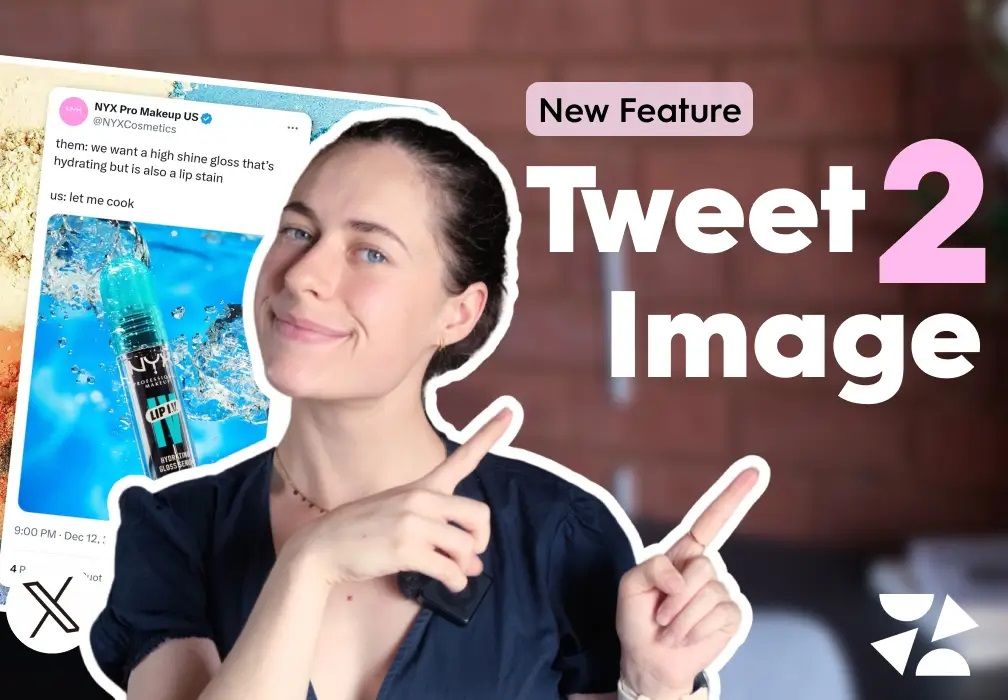 In 2026, social media is no longer about just posting text — it’s about capturing attention in seconds. KyteTools has emerged as one of the most powerful AI-driven platforms for transforming ordinary tweets into visually striking content that stands out in crowded feeds. Whether you’re a marketer, influencer, or brand manager, this tool makes it effortless to create professional-quality visuals that drive engagement and shares.
KyteTools works by taking any tweet whether yours or from other trending accounts and instantly converting it into a ready-to-post visual format. The AI analyzes the content, identifies the key message, and generates images, animations, or even short video clips that match the tone and style of the tweet. This approach turns simple words into attention-grabbing assets without requiring design skills or software expertise.
What makes KyteTools particularly valuable in 2026 is its focus on speed, simplicity, and virality. Instead of spending hours designing graphics or outsourcing content creation, you can produce dozens of viral-ready visuals in minutes. The AI also suggests trending templates, hashtags, and layouts based on platform algorithms, giving your posts a higher chance of organic reach.
For social media managers and marketers, this means higher engagement rates, more followers, and increased conversions. Every visual KyteTools generates is optimized for the platform it will appear on, whether it’s Instagram, LinkedIn, Twitter, or TikTok. The AI also allows bulk processing, so you can scale campaigns without adding additional workload to your team.
Additionally, KyteTools provides analytics to track performance, letting you see which visuals resonate most with your audience. This data-driven approach allows you to refine your content strategy in real-time, ensuring every post has maximum impact.
If you’re ready to take your social media visuals to the next level and turn simple tweets into viral content, try KyteTools today and experience the difference AI-powered design can make.
Frequently Asked Questions About KyteTools
Can KyteTools turn any tweet into a visual?
Yes, the platform can convert your own tweets or public tweets into high-quality visuals ready to post, using AI templates and styles.
Do I need design skills to use KyteTools?
Not at all. The AI handles all design, formatting, and layout decisions, allowing anyone to create professional visuals in minutes.
Can I use KyteTools for bulk content creation?
Absolutely. KyteTools supports batch processing, letting you generate multiple visuals at once to scale your campaigns efficiently.
Which social media platforms does KyteTools optimize for?
KyteTools generates visuals optimized for Twitter, LinkedIn, Instagram, TikTok, and other major platforms to maximize engagement.
Does KyteTools provide performance insights?
Yes, the platform includes analytics to track which visuals perform best, helping you refine your content strategy for higher reach and conversions.
With KyteTools, turning tweets into viral visuals is no longer a time-consuming task. The AI-driven platform streamlines content creation, saves hours of design work, and increases your social media impact — making it a must-have tool for any 2026 marketing strategy.
👉 Tweet to Image Tool:
https://kytetools.com/tweet-to-image
🛠️ How to Use Tweet to Image on KyteTools (Step-by-Step)
You can place this section at the end of the article for maximum SEO value 👇
🔧 How to Convert a Tweet into an Image Using KyteTools
Follow these simple steps:
✅ Step 1: Open the Tool
Go to kytetools.com and open the Tweet to Image tool from the tools list.
✅ Step 2: Paste the Tweet Content
Copy the tweet text you want to convert and paste it into the input field. (You can use your own tweet or any public tweet.)
✅ Step 3: Customize the Design
Choose:
Background style
Layout appearance
Visual theme
This helps match your brand or platform style.
✅ Step 4: Generate the Image
Click Generate Image. The tool instantly creates a clean, professional tweet image.
✅ Step 5: Download and Share
Download the image in high resolution and use it
🚀 Final Thoughts
In 2026, repurposing content smartly is more important than creating more content.
With Tweet to Image by KyteTools, you turn ideas into visuals, and visuals into engagement.
One tweet. Multiple platforms. Unlimited reach.